
Lightspeed webshop
1 min read · Updated 15 Oct 2026 · Source
Lightspeed webshop
After registering, you can follow these steps to connect your Lighspeed shop to Droppery
A direct installation of Droppery via the App Store is currently only available on the C-Series version of Lightspeed. An E-Series version is to follow
- In your Lightspeed dashboard, go to Applications
- In the search bar, type “Droppery » and click on it
- Click on "Download App »
- Once the app is installed, you will be asked to grant Droppery access to your store data.
- You will now be prompted to create an account or log in to your existing account.
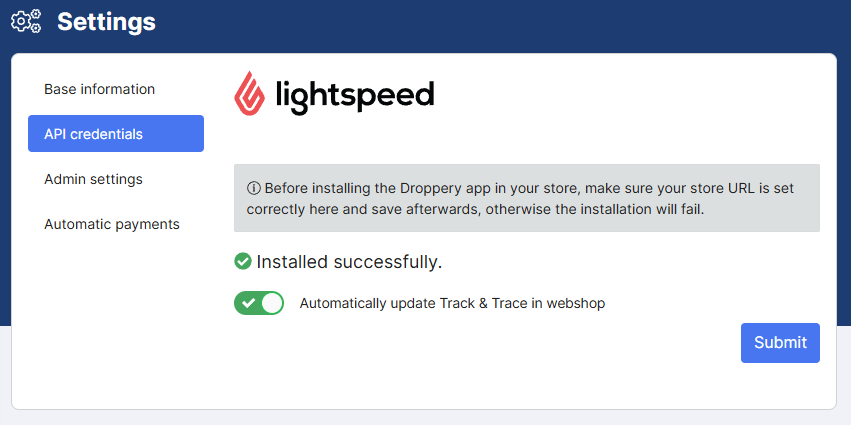
You can now use Droppery and all the features involved.
Was this article helpful?
Found a bug or issue while following this article?